Get latest updates on chrome emulation
Step 1
Open a regular website in Chrome.
Step 2
Right click -> Inspect Element to bring up the develop tools.
Step 3
Click on the settings Icon

Verify the mobile emulation is turned on under Appearances

Step 4
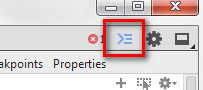
Either hit the ESC button or this little icon to open the drawer.
Step 5
Select the device you’d like to emulate.

Step 6
See it in action.

Step 7
Read more about all of the features available. This does a lot more than the regular user agent switcher.
 Pure-Essence.Net